Fifine AmpliGame Stream Controller with 15 Macro Keys, Streaming Keyboard with Trigger Actions in OBS/Twitch/YouTube/Streamlabs, Shortcut Buttons Keypad Works with Mac and PC-D6
3 min read



Price: $64.99 - $58.49
(as of Nov 09, 2025 08:36:36 UTC – Details)
Product description


The video showcases the product in use.The video guides you through product setup.The video compares multiple products.The video shows the product being unpacked. D6 guide video Merchant Video


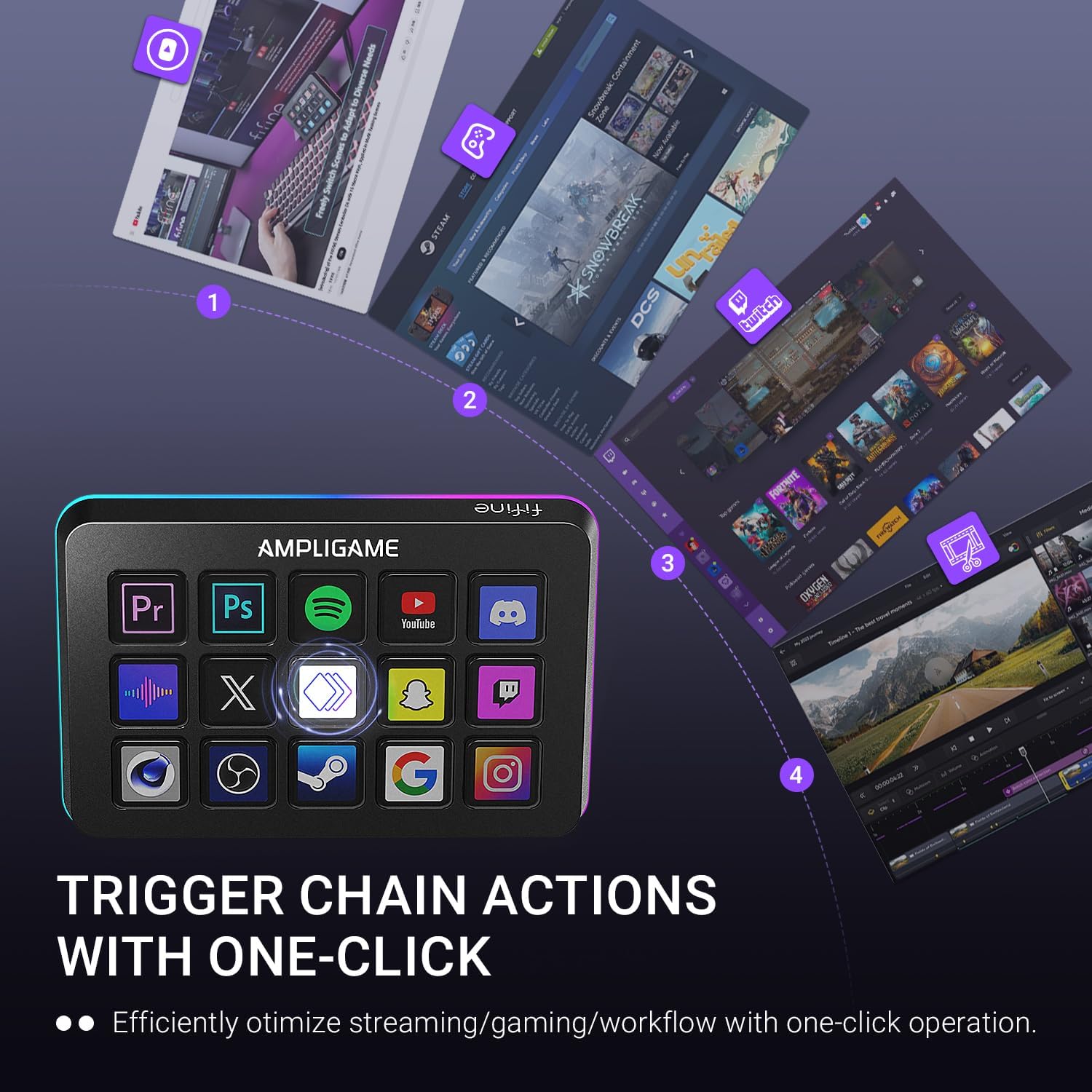
1 One-click Operation
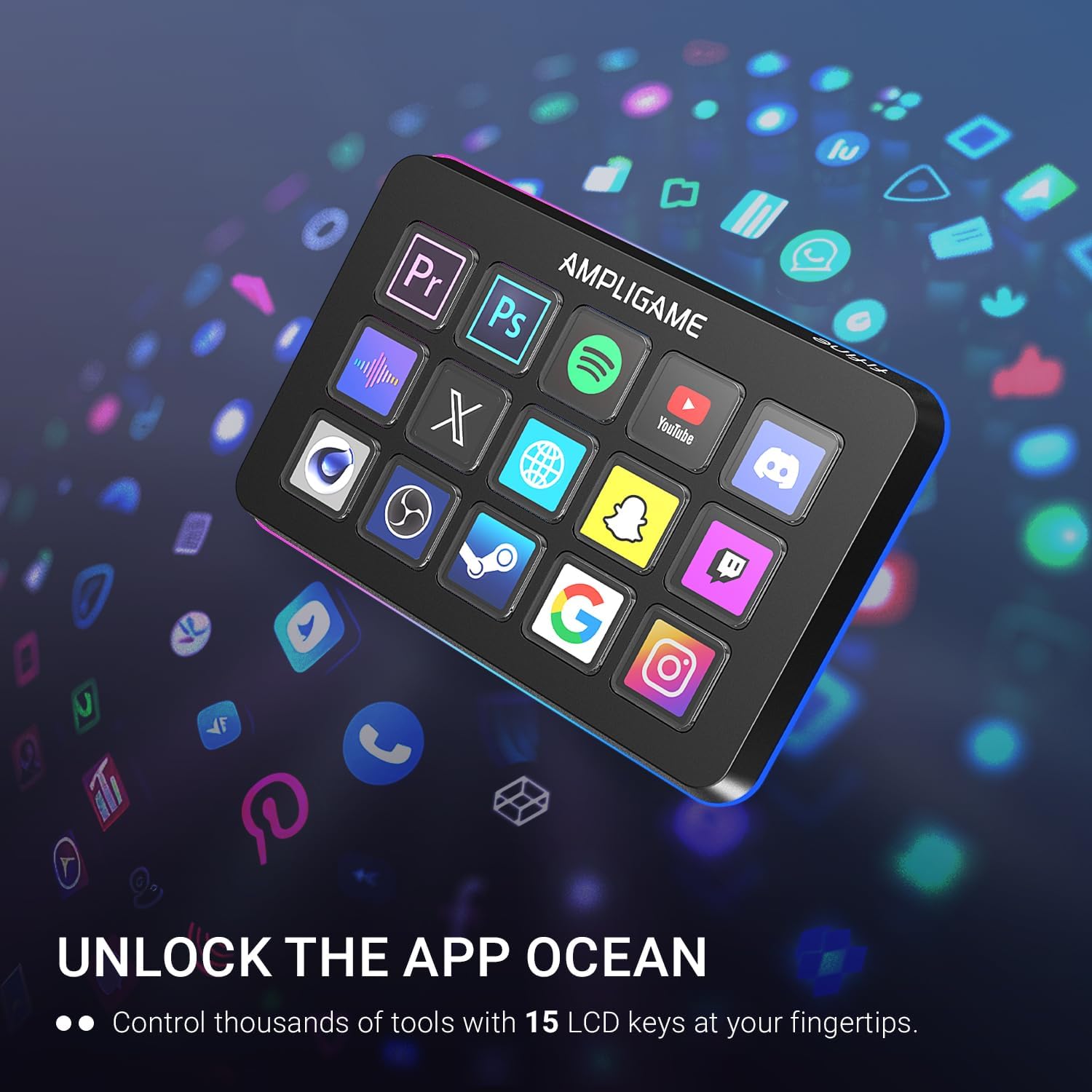
2 Wide App Support
3 Grow your Content
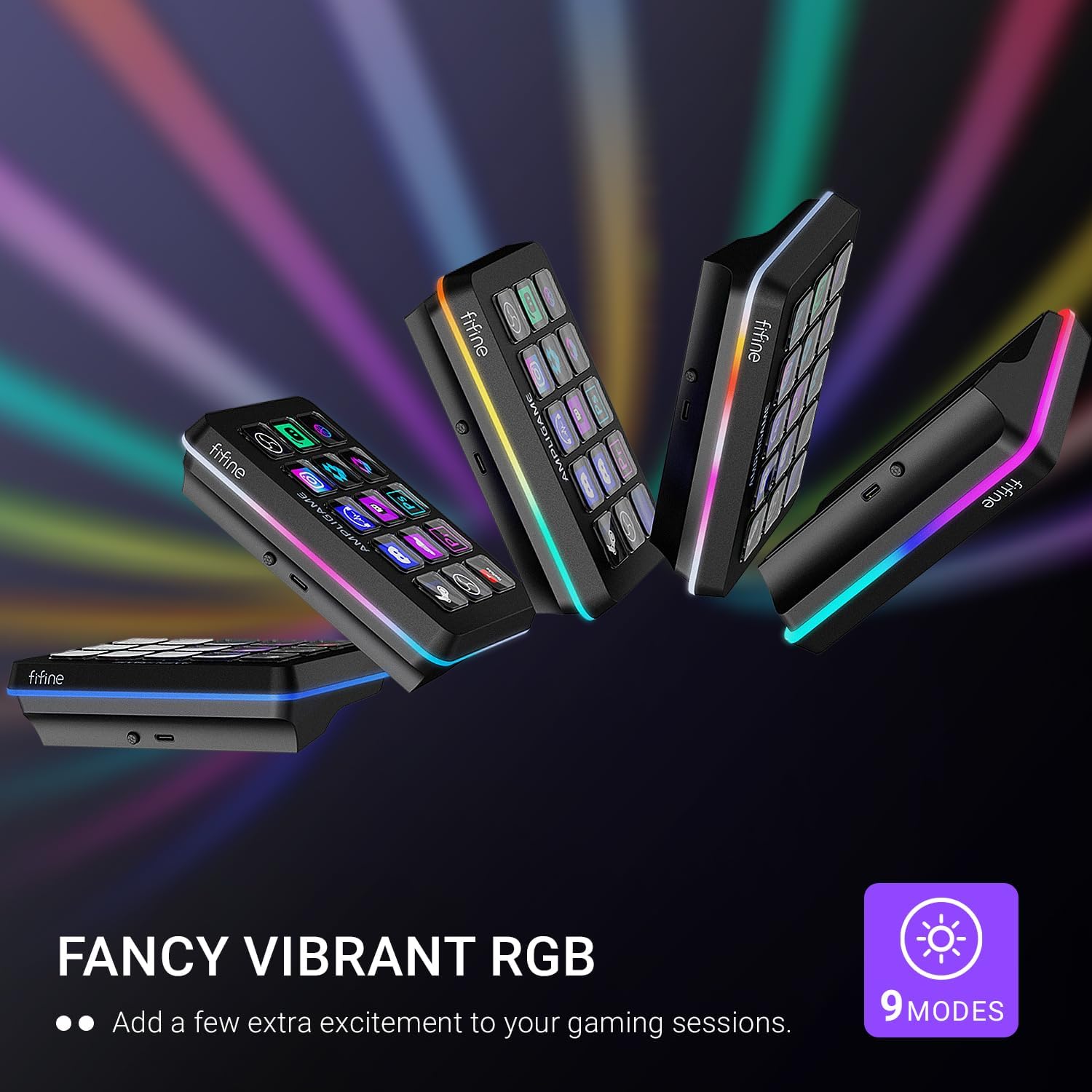
4 Vibrant RGB


1 For Game
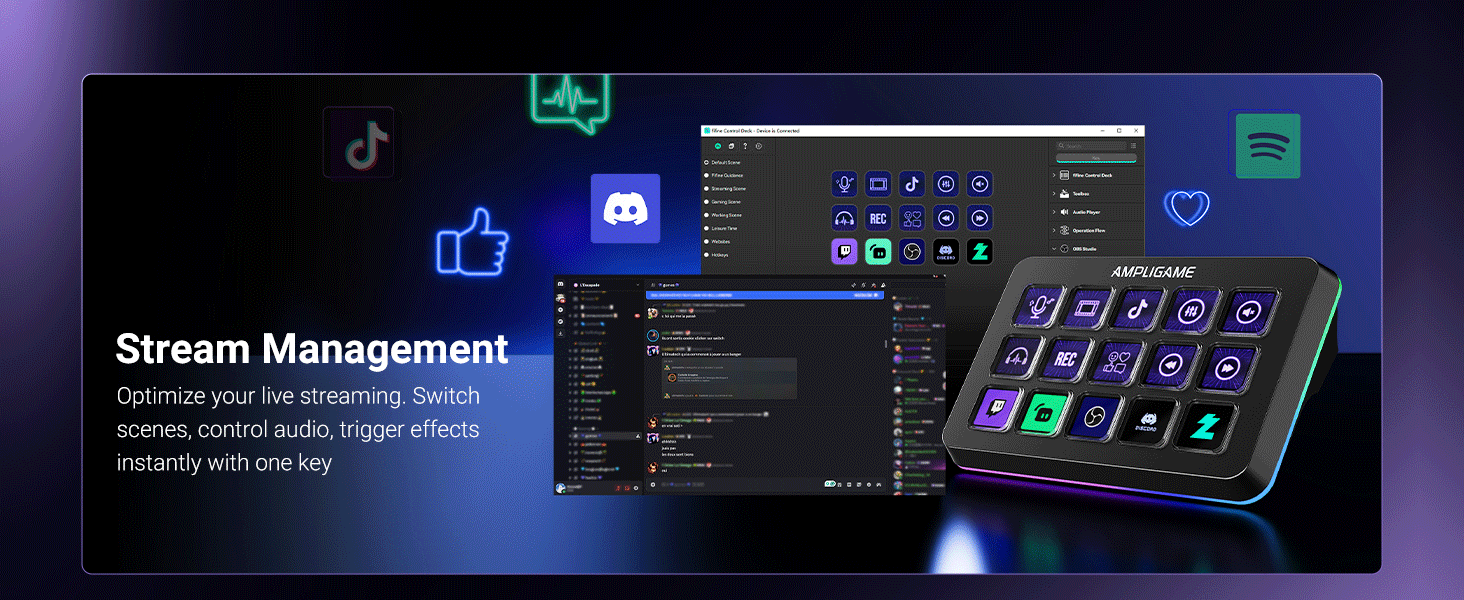
2 For Live Stream
3 For Productivity
Does Fifine D6 streaming contoller work with consoles?
No, this stream controller is designed to work with PCs and laptops. It is compatible with Windows and Linux operating systems.
Can D6 streaming contoller be programmed for specific software applications?
Yes, It has a wide range of software and plugins options, suitable for various scenarios such as music, games and live streaming. It works with OBS Studio, Streamlabs, Twitch, YouTube, and more.
Is it a wireless streaming contoller?
No, this stream controller is not wireless. It connects to your PC or laptop via a USB cable.
Does it have cutomizable RGB lighting?
Yes, It has a glowing RGB ring around the controller with a total of 9 different controllable and changeable modes.You can long press the button to turn on/off the RGB light.
Does D6 streaming contoller work without the software running?
No, the D6 Stream Controller requires the software to be installed and running for full functionality.
[Customizable LCD Macro Keys] There are a total of 15 customizable macro keys on gaming stream controller, allowing you to create and assign different operations according to your live stream needs. Launch the software or application through a simple finger press, and switch your OBS scenes, control your audio levels, which is very easy and convenient to use.
[Wide Application Compatibility] This OBS stream controller has a wide range of software, applications and plugins options whether in the store or download from the computer. They work with OBS Studio, Streamlabs, Twitch, YouTube and more in the stream controller PC. You can also drag-and-drop, set up and download from the console’s store, with a very large number of plugins and icons to fill your streaming.
[Visual Operation Keypad] After setting and customizing your keys, you can see the application on the touchscreen of stream controller and press to control directly. No need to open plenty of windows/app interfaces on the PC screen, studio controller streaming streamlines your workflow and improves the work efficiency. Let you know your demands having been satisfied with a visual feedback. (Tip: Please ensure both firmware and software are updated to the latest versions prior to initial use.)
[Vivid RGB Lighting] In addition to the macro keys on stream controller for gaming having irradiative LCD display, there is a glowing RGB ring around the twitch stream controller, with a total of 9 different controllable and changeable modes. Matching the shortcut button’s look and gaming aura according to your personal preferences, dynamic RGB on video stream controller will give your viewers a more vivid game impression.
[Applied in Multi-Tasking Scenes] Whether you intend to use the PC media controller in gaming, live streaming, photography/graphics design, video editing, music creation or office work, the versatile streaming controller makes multi-tasking easier. You can also create folders to generate different programs, and the individual scenes can be processed independently.
Customers say
Customers find the stream controller easy to program and appreciate its outstanding performance and solid build quality. Moreover, the device offers extensive customization options with fully programmable keys, and customers consider it a good value for money, particularly as a budget-friendly Stream Deck alternative. The design receives positive feedback, with one customer noting the sharp-looking icons. However, compatibility is mixed, with some customers reporting it only works with OBS studio.